
Why it works
Practice on your own answers. That's why it sticks.
You drill your own real interview answers, an AI fixes the exact mistakes you make, and the better English you build carries into every conversation, not just interviews.

01
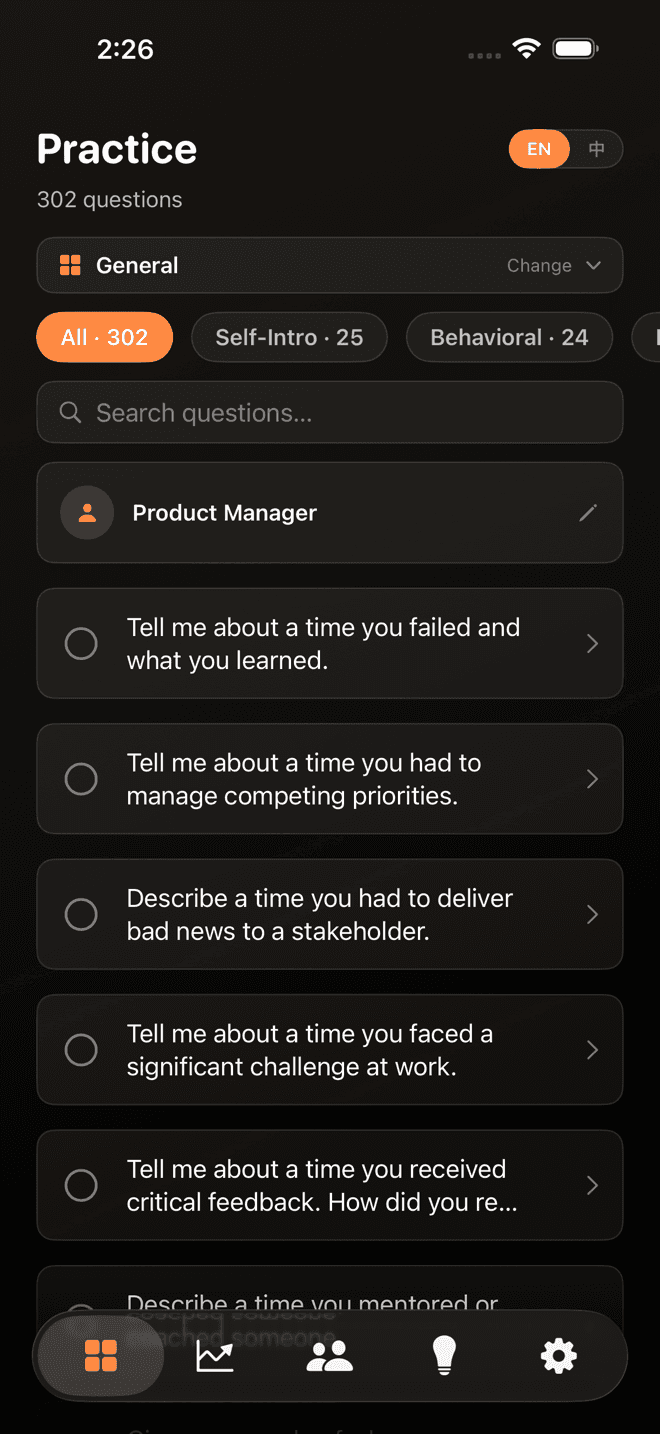
Real questions, for your real role
300+ interview questions used at foreign companies, organized by role and category.
02
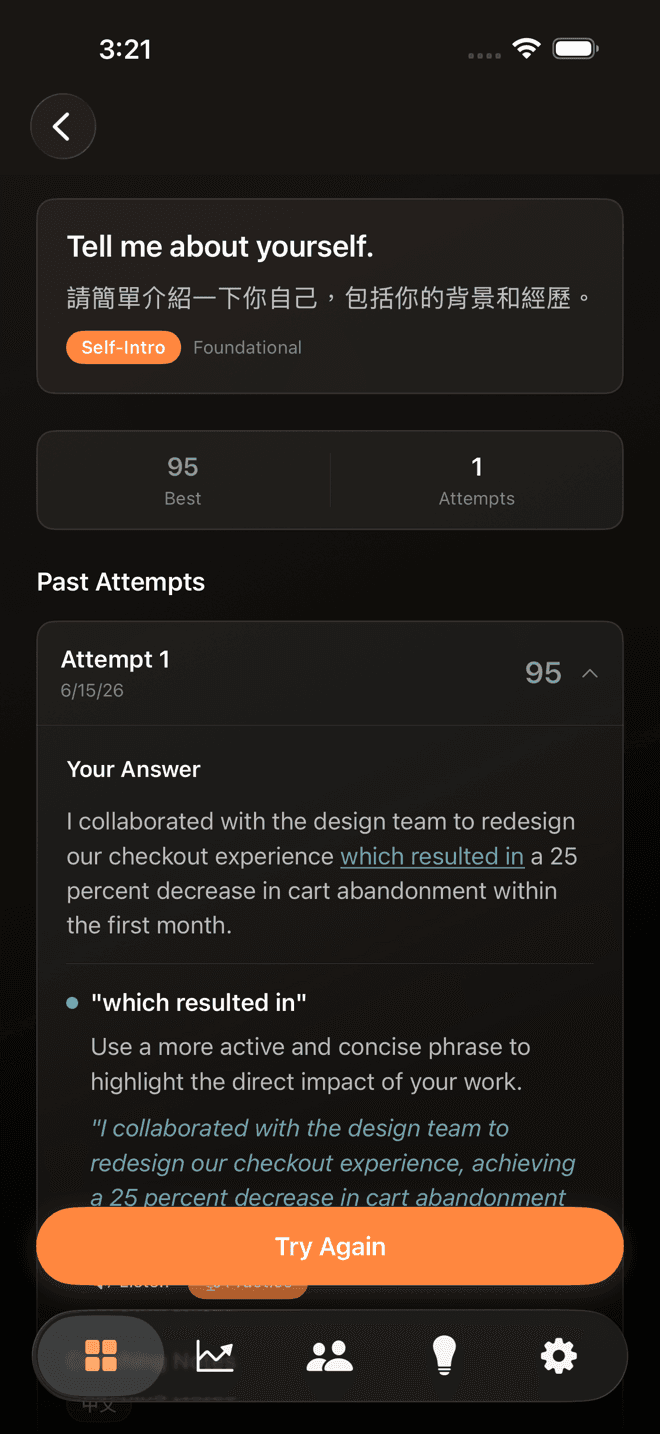
It's your own story, so it sticks
You drill your real answers, not canned scripts. See your score and history, and practice the same question until it's yours.
03
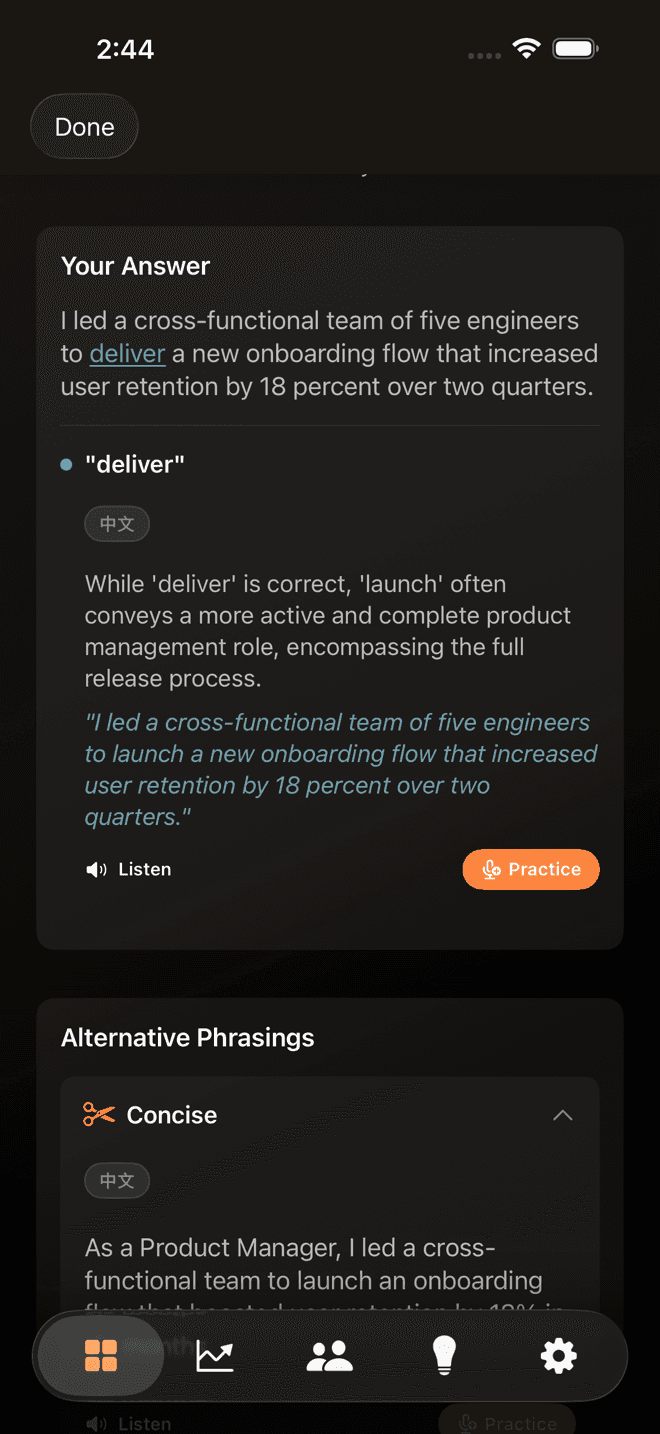
The AI fixes your exact mistakes
Word by word, on every answer: the specific corrections and natural rewrites a classroom could never give you.
04
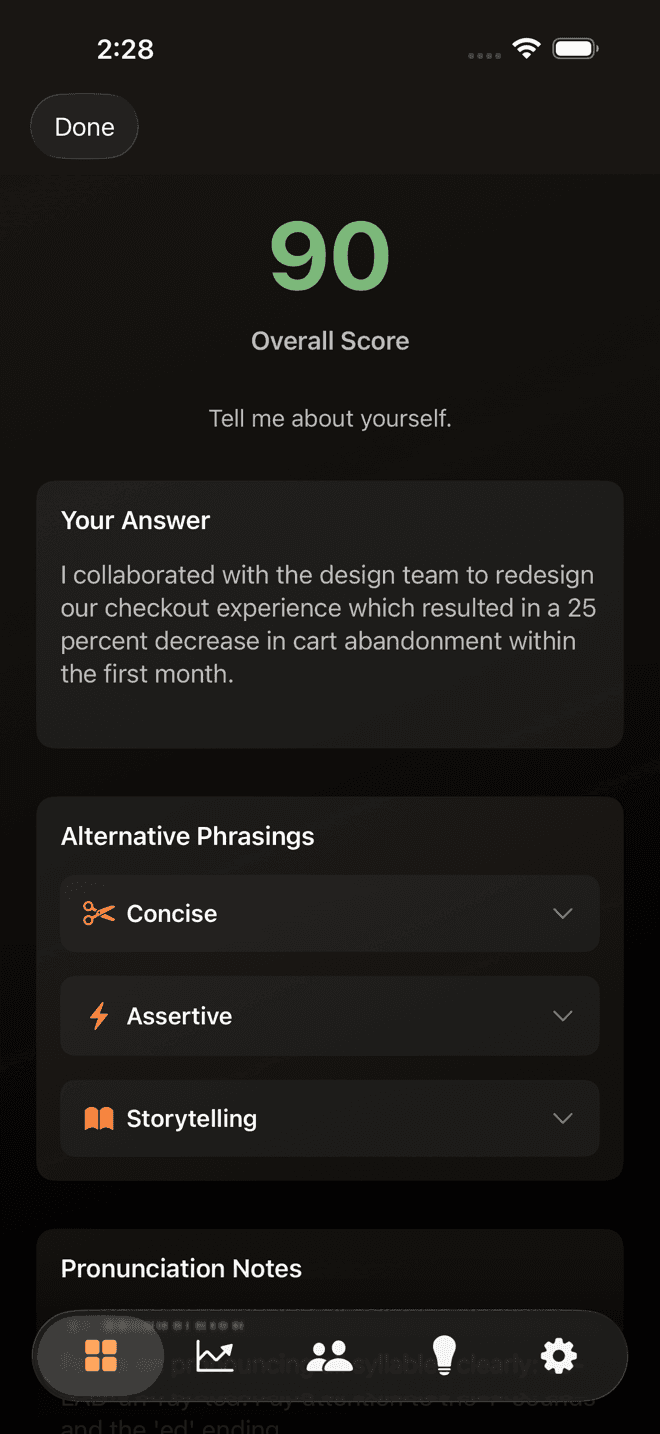
An instant score, and 3 better ways to say it
Accuracy and fluency scored on the spot, plus concise, assertive, and storytelling versions of your answer.
05
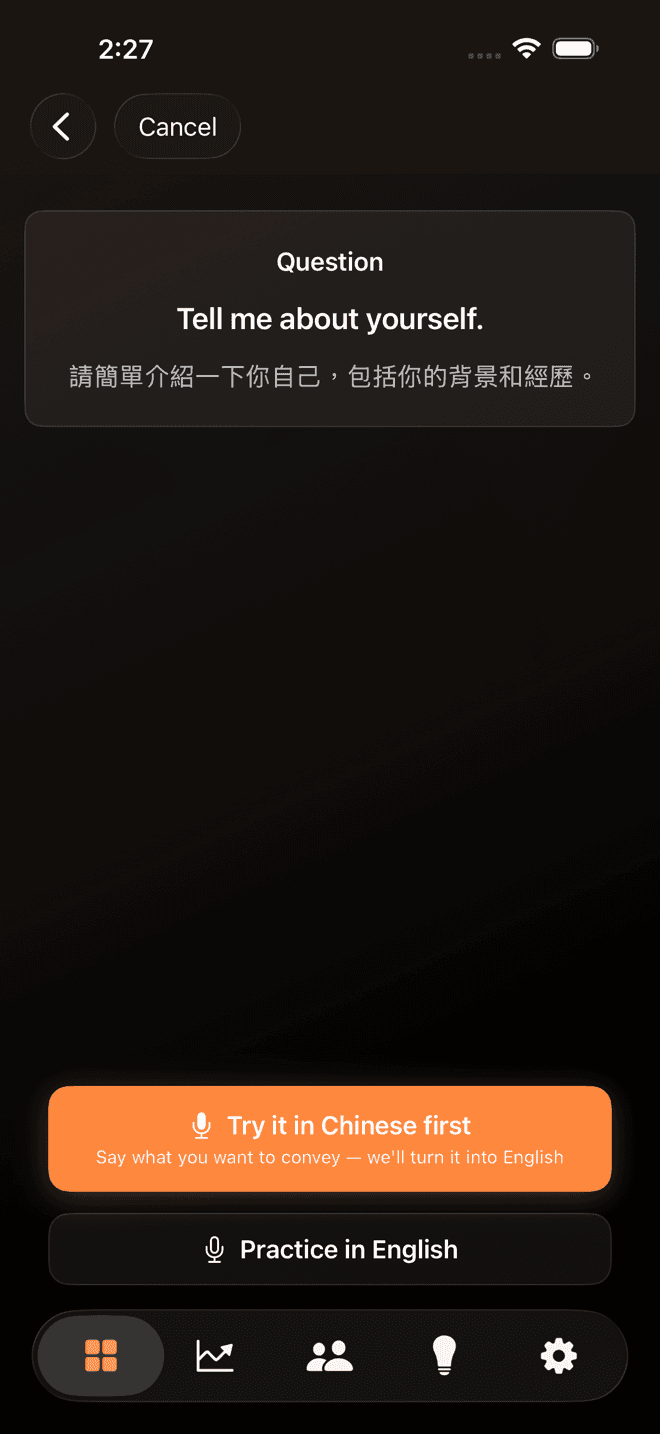
Stuck? Say it in Chinese first
Speak your idea in Chinese and get it back in natural English you can use anywhere, not just in the interview.
And a few things we deliberately don't do
- No 60-minute marathon mocks. When you want a full run-through, the mock interviews are a focused 10, 20, or 30 minutes: real enough to test you, short enough to actually learn from.
- No streak gamification that turns daily logins into the metric. The only metric is whether your answers improve.
- No account required to start. No sign-up, no password. Download the app and start practicing; your practice history is backed up automatically.